| |||||||||||||||
| |||||||||||||||
Table of Contents | |||||||||||||||
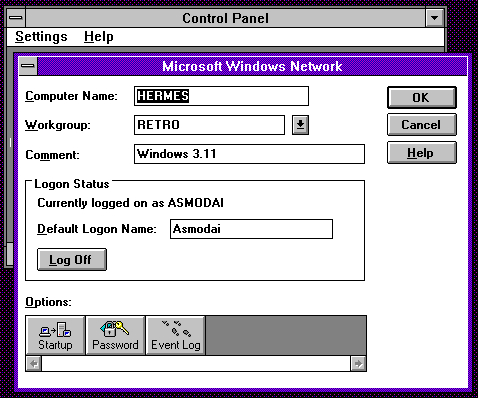
Browse by TagsWhy did I do this?Why not? By the time I got into networking I'd moved on to Windows 95, GNU/Linux, and Samba. Up until this point, I had zero experience with using Windows for Workgroups as a client. Hell, when I actually used Windows 3, it was never even attached to a network. I set up Windows 2000 Server as an AD server for my other retro machines, along with KiX scripts and roaming profiles et al. Whilst in the process of joining 9x and NT-based clients to the domain, I wondered to myself "should I do this with Windows for Workgroups too?" Well... of course I should! ProcessThe process for joining a WfW client to an NT domain is pretty straight forward. All one has to do is use the "Network" settings in /Control Panel/ and set a workgroup name.
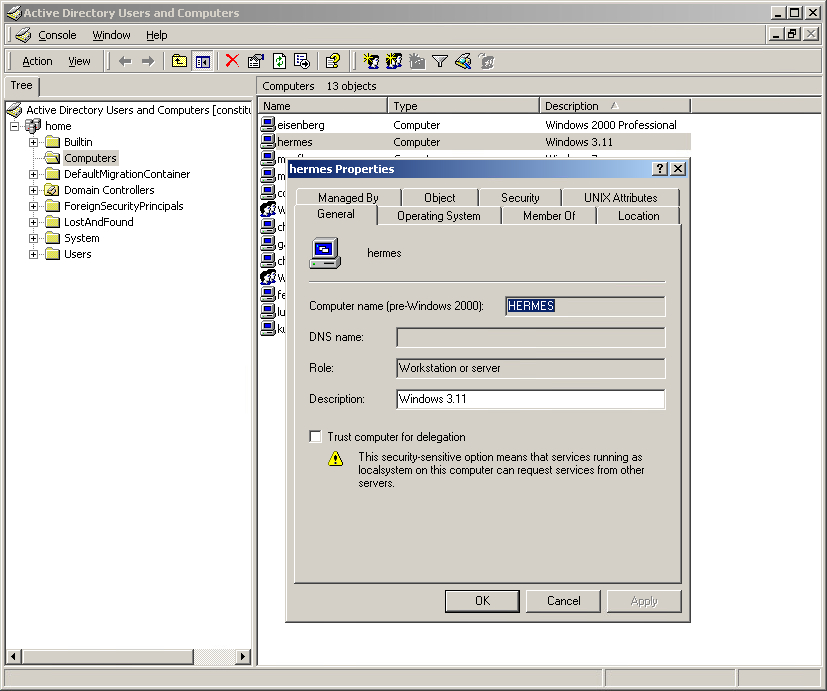
It's that simple. Just to be safe, I decided to add a machine account to AD for the system.
I'm not 100% this is absolutely needed, but no harm in adding it. Things yet to do
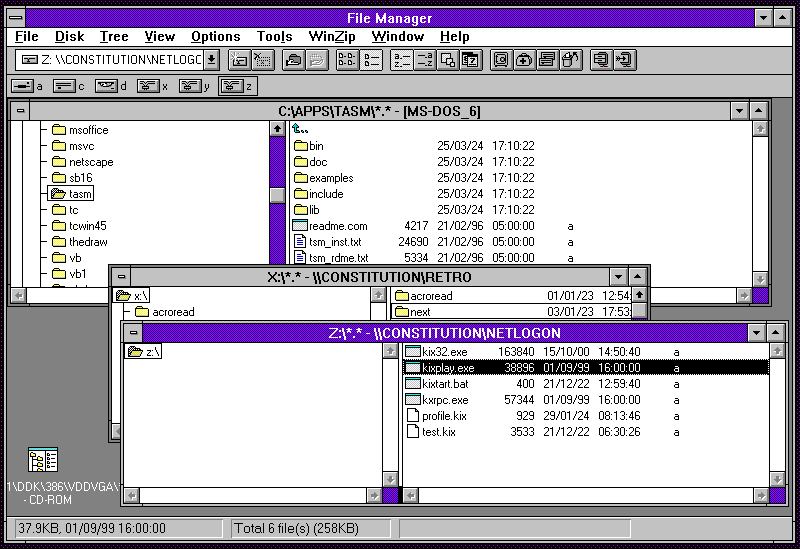
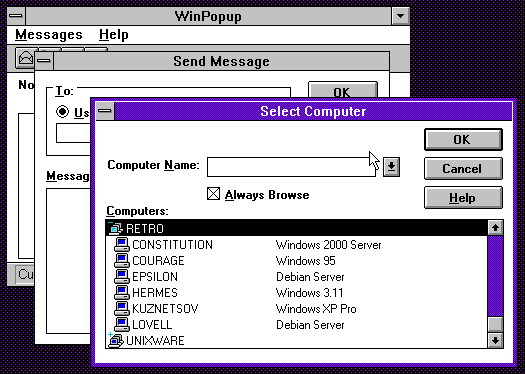
KiXtartSince writing this blog, I've added a batch file that can dispatch a KiX file depending on the system in use. This means that KiX now works with Windows for Workgroups 3.11 as well as the MS-DOS LAN Manager client. You can see the KiX files here. Oh look, WinPopup!
It works as expected, too.
| |||||||||||||||
![[Home]](/images/dirHome.gif)